Tochato How It Works

How it works

How Tochato Works

Five steps take you from opening the page to having someone you can come back to. Open the site, look at who is online or start a match, talk by text or video, and follow the people worth finding again.

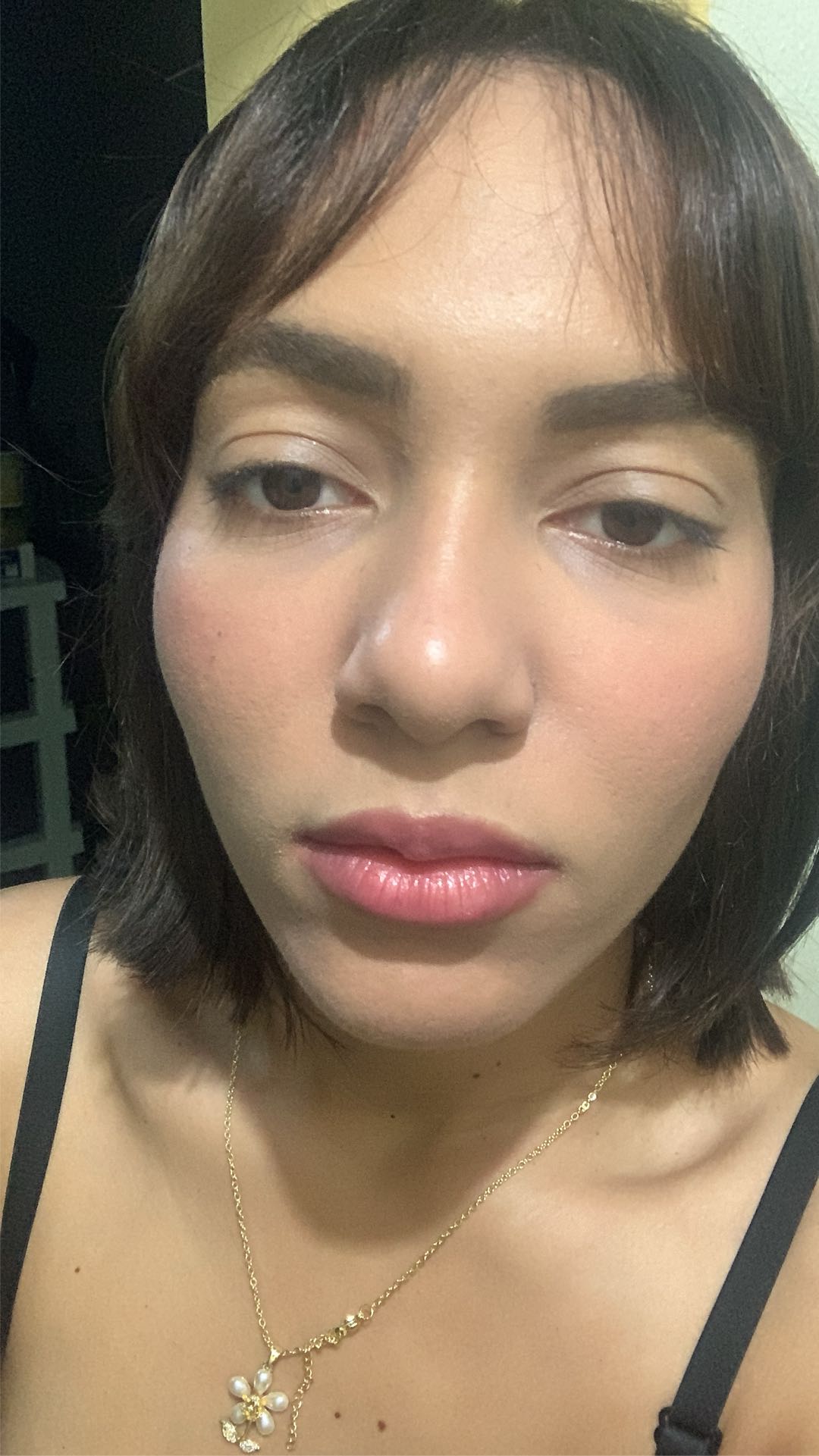
Chelsy from Dominican Republic showing how Tochato works
ChelsyDominican Republic

What happens when I tap Start Chatting?

Your browser asks for the camera and microphone, then Tochato pairs you with one person who is online. You talk by video or text, and you can follow the person to find them again.

What are the steps, start to finish?

Five, and the first is done the moment the page loads. The list below is the whole visit in order; each step has a section of its own further down.

  1. 01

    Open the site

    Go to tochato.cam in the browser on your phone or computer. You come in as a guest; there is no form to fill in.

  2. 02

    See who's online, or start a match

    Open Who's online to look through the people on the site and pick one, or tap Start Chatting to be paired with one person at random.

  3. 03

    Talk by video, by text, or both

    A random match opens on camera with a message box for typing. How long a match lasts has a section of its own below.

  4. 04

    End the call and follow the person

    End the chat when you are done. Follow the person if you want to be able to find them again.

  5. 05

    Come back through their profile

    A profile lets you follow the person, send a message or start a video call with that one person.

What happens when you open the site?

You become a guest, and that is all the joining there is. Nothing asks for an email or a password before you can look around. The reasoning behind the missing form, and the one case where signing in is worth it, is on the page about chat rooms with no registration.

What you see on arrival is short: a Start Chatting button, a link to Who's online, and reading material you are free to ignore. Tochato runs in the browser, so there is nothing to install first. If you want an icon for it on your phone, the app page shows how to add one.

Who's online or Start Chatting: which do you tap first?

Either. They are two doors into the same kind of conversation, and you can use a different one on every visit.

Who's online

A live list of people who are on the site at this moment, each card with a photo and a name. The list can be narrowed to one country. Tap a card and you are on that person's profile, where the next move is yours. People who dislike surprises tend to start here.

Start Chatting

The random route. Your browser asks for the camera and microphone, and the site pairs you with one person who is online. You do not choose who it is, and a country cannot be set beforehand. Random chat rooms follows that route moment by moment.

The match screen

This is where a random match starts, and where the Reward Center sits, at the top. The Reward Center gives out free matches several times a day; the page on free chat rooms explains how it fits with the free matches you get as a new visitor.

What can you do during a call?

Talk, type, or mix the two. A random match opens as a live video conversation between two people, and a message box lets you type alongside it. Some people speak from the first second; others type a hello and warm up. Both are normal.

Typing has a second use. Typed messages can be translated automatically, so two people without a shared language can still follow each other. The translation covers what is written, not what is said aloud.

A one-on-one call has only the two of you in it. That is most of what makes talking to someone you have never met feel manageable: it is one person, not a crowd.

How long does a match last?

A match begins with free time. If you keep talking past it, the call continues on coins, and a notice appears in the call before that happens. If you run short of coins, the site prompts you to top up and the call ends. The coins page goes through this in full; this page only marks where it sits in the visit, which is here, in the middle of step three.

How do you end a call or move on?

End the chat whenever you like; you never need a reason. From there you can start another match or stop for the day. A new match uses a free match, or coins once the free ones are gone, so there is no prize for rushing away from a slow start.

If someone behaves badly, leave first and deal with it second. Block and Report are both in the menu on the person's profile, and Report asks you to choose a reason and describe what happened. The guide to safe chat rooms says what is worth reporting.

How do you find the same person again?

Follow them. A random match is a one-off by nature: end it without following, and meeting that person again is down to luck. A follow adds them to your list, and your list is how you get back to their profile on a later visit.

The habit worth forming is to follow during the conversation, as soon as you know you would talk to this person again, instead of leaving it to the last second. If you picked someone from Who's online in the first place, the same applies: follow from their profile and they stay within reach.

A guest's follows are tied to the browser they were made in. The page on chat rooms with no registration explains when to sign in so they are kept.

What are the three things a profile lets you do?

Follow, message and video call. A profile opens when you tap a card in Who's online, or when you go to someone in your list.

Follow

One tap adds the person to your list, so on your next visit you can go straight to people you liked.

Message

Write to the person directly. It is the quiet way to start: a few lines first, and a call later if the two of you get on.

Video call

Start a one-to-one video call with that particular person. No random pairing is involved.

What if a step does not work?

Most snags are one of three. If the camera prompt never appeared or you tapped Block by mistake, the permission lives in your browser's site settings and can be switched back on there. If a match is slow to arrive, it is usually a quiet hour; open Who's online and see who is around instead. If the picture stutters, the connection is the likely cause, and moving closer to the router often fixes it.

The help center has the longer list. And if the hard part is not the buttons but the first sentence, the page on singles chat rooms has openers that are easy to answer.

FAQ

Questions about using Tochato

How do you chat online if you've never done it?

Open tochato.cam, tap Start Chatting and allow the camera and microphone. The site pairs you with one person. Say hello or type it. There is nothing to set up first.

Can I choose who I talk to?

Yes. Open Who's online, look through the people on the site, narrow the list to a country if you like, and open a profile. A random match, by contrast, cannot be steered.

Do I have to turn my camera on?

A random match asks for your camera and microphone because it opens as a video chat. If you would rather begin without video, open a profile from Who's online and send a written message instead.

How long can I talk in one match?

A match begins with free time. If you keep talking past it, the call continues on coins, and a notice appears in the call before that happens. The coins page has the detail.

What happens after I end a call?

You can start another match, open Who's online, or stop. If you followed the person, they are in your list and you can reach their profile from there.

Can I follow someone I liked talking to?

Yes. Follow them and they are saved to your list. From their profile you can then send a message or start a video call.

Can I message someone before a video call?

Yes. Open the person's profile from Who's online and write to them. A few lines first, then a call once the conversation is going, is a comfortable order.

Do I need to log in to Tochato?

No. You arrive as a guest and can stay one. Signing in is optional and mostly useful for keeping the people you follow when you clear your browser or switch devices.

How can I chat online from my phone?

Use the phone's browser. Tochato needs no download, and you can add it to your home screen for one-tap access.

Step one is already done

You opened the page. Step two is a tap away.